
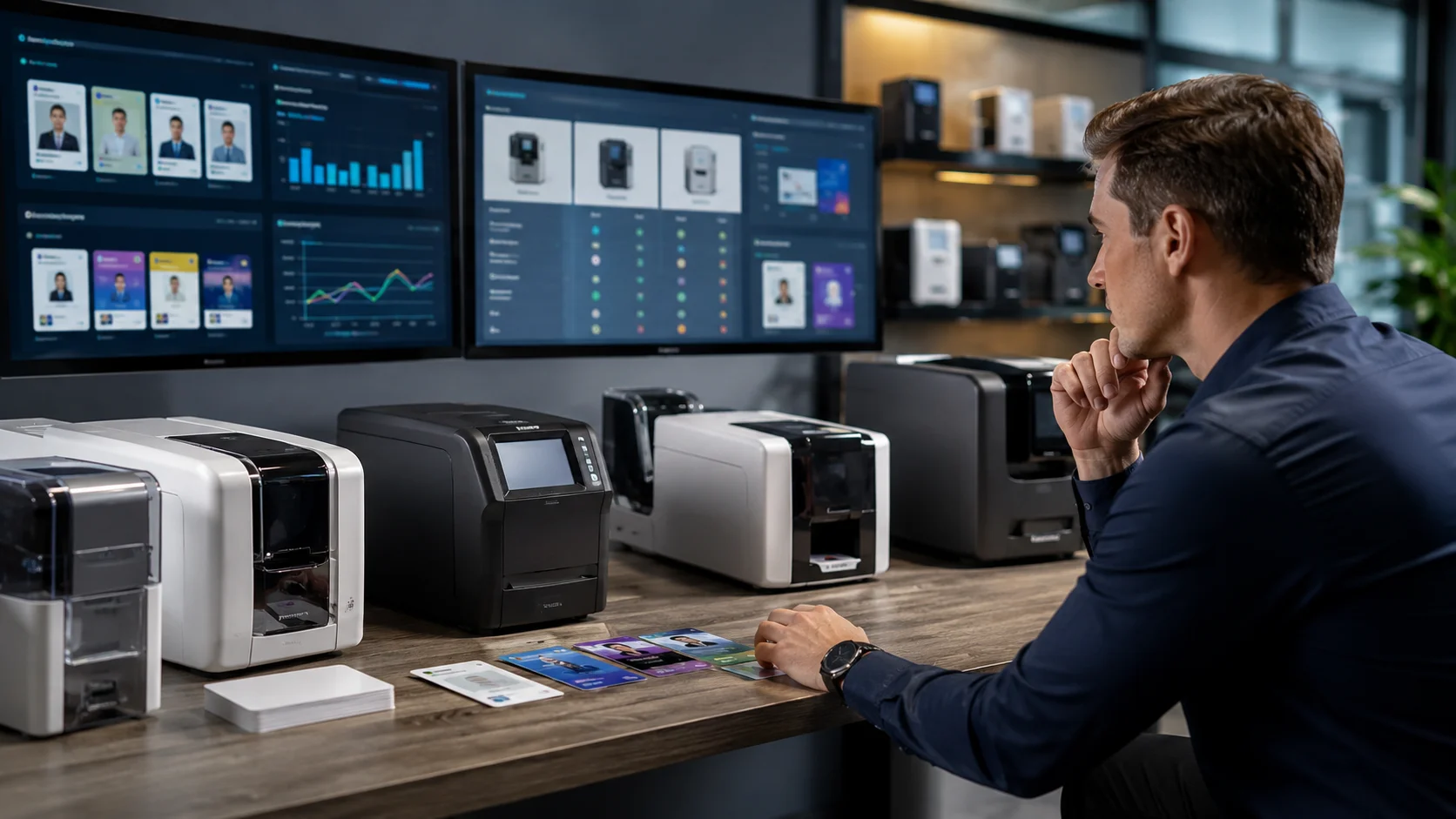
If your business needs ID cards, membership passes, or access badges, you’ve probably come across PVC card printers. They’re used across offices, schools, gyms, and events, mainly because they let you print cards on demand instead of waiting on third-party suppliers.
At first glance, most printers might look similar. But once you start comparing them, you’ll notice differences in quality, speed, features, and even long-term costs.
That’s why it’s worth taking a bit of time to understand what you actually need before choosing one. In this guide, we’ll break things down in a simple way, so you have all the information that you need to choose a PVC card printer that fits your setup.
So, What Is a PVC Card Printer?
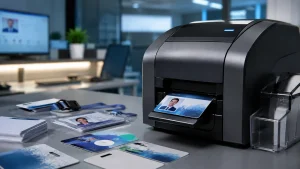
A PVC card printer is a specialised device designed to print on plastic cards instead of paper. These cards are commonly used for staff IDs, access cards, membership cards, and visitor badges.
Unlike standard office printers, PVC card printers use specific printing technologies such as direct-to-card or retransfer printing. This allows them to produce durable prints that don’t easily fade, smudge, or wear off with regular use.
There are a few main types of PVC card printers:
- Direct-to-card printers: Print directly onto the card surface. Suitable for most everyday business use.
- Retransfer printers: Print onto a film that is then applied to the card. These offer higher print quality and full edge-to-edge coverage.
- Single-sided printers: Print on one side only, ideal for basic card designs.
- Dual-sided printers: Print on both sides, useful for cards with additional information.
How Much Does a PVC Card Printer Cost?
The cost of a PVC card printer can vary depending on its type, features, and overall performance.
Entry-level printers are usually more affordable and suitable for small businesses with occasional printing needs. Mid-range and high-end models come with additional features like faster printing, dual-sided capability, and higher print quality.
Here’s a general pricing guide:
Printer Type Estimated Price Range (UK)
Entry-level (single-sided) £500 – £900
Mid-range (dual-sided) £900 – £1,800
High-end (retransfer) £1,800 – £3,000+
What Should You Look for in a PVC Card Printer?
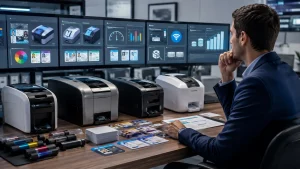
Instead of looking only at the price when choosing a PVC card printer, you need to find something that fits how your business actually operates day to day.
Here are seven important things to look at before making a decision:
Print Quality
Most PVC card printers offer a resolution of 300 DPI (dots per inch), which is considered standard for ID cards. This is usually enough for clear text, logos, and basic images.
If your cards include detailed photos or branding, you’ll want consistent colour output and sharp results. Poor print quality can make cards look unprofessional, especially in customer-facing environments.
Printing Volume
Printers are built for different workloads. Entry-level models are designed for low-volume use (around 100–500 cards per year), while mid to high-range printers can handle thousands of cards annually.
Matching the printer to your expected usage helps avoid performance issues and unnecessary wear over time.
Single or Dual-Sided Printing
Single-sided printers work well for simple designs with limited information. If you need to include more details, dual-sided printers allow you to print both sides in one go.
This is useful for things like:
- Barcodes or QR codes
- Additional identification or instructions
Printing Speed
Printing speed is usually measured in cards per hour. Basic models can produce around 100–150 cards per hour, while more advanced printers can handle 200 or more per hour. If your business prints cards regularly, this can have a direct impact on how quickly you get through jobs.
Ease of Use
A printer should be simple enough for everyday use, even for staff who aren’t particularly technical.
Features like easy setup, straightforward controls, and clear software interfaces make a noticeable difference. The easier it is to use, the less time you spend fixing mistakes or figuring things out.
Connectivity Options:
A USB connection is usually enough for single users, while network-enabled printers allow multiple people to access the device across an office. Wireless options can also be useful if you need flexibility in where the printer is placed.
Ongoing Costs
The upfront cost is only part of the picture. You’ll also need to think about long-term expenses.
Printer ribbons, for example, typically produce 200–300 prints per roll, depending on the type. Alongside blank cards and maintenance, these ongoing costs can add up over time.
5 Essential Supplies for a PVC Card Printer You Will Need

A PVC card printer won’t run on its own, so to keep things working smoothly and maintain consistent print quality, you’ll need the right supplies alongside it.
These include:
1. Blank PVC Cards
These are the cards you’ll be printing on. They come in different thicknesses and finishes depending on how they’ll be used.
Standard CR80 cards are the most common, especially for ID badges and access cards. If your cards are used daily, choosing durable, high-quality cards helps them last longer without bending or fading.
2. Printer Ribbons
Printer ribbons are the inked consumables used in certain printers to transfer text and images onto labels or paper. Using the right Printer Ribbons helps maintain consistent colour, sharp text, and overall print quality. Low-quality ribbons can lead to faded prints, uneven colours, or issues with the printer over time.
Digital ID is a highly recommended ID Card Printer Ribbons supplier, with products ranging from full-colour and monochrome options to laminate films. Their range is compatible with all leading ID card printer manufacturers, making it easier to find the right fit for your setup.
3. Cleaning Kits
Dust and residue can build up inside the printer, especially with regular use. Cleaning kits are designed to remove dirt from internal components, which helps prevent print defects and keeps the machine running properly. Regular cleaning also extends the lifespan of your printer.
4. Card Design Software
Most printers come with basic design tools, but depending on your needs, you may want more advanced software. This allows you to create custom layouts, add photos, include barcodes or QR codes, and manage card templates more efficiently.
5. Card Holders and Accessories
Once your cards are printed, they’ll likely be used daily. Accessories like card holders, clips, or lanyards help protect the cards and make them easier to carry.
Choose the Right Printer for Your Business Setup
When choosing a PVC card printer, the right one really comes down to how you plan to use it on a daily basis. Some businesses only need it occasionally, while others rely on it regularly for staff IDs, access cards, or memberships.
That’s why it helps to think about your usual workload, the type of cards you’ll be printing, and how often you’ll be using the machine.
It’s also worth keeping an eye on the smaller details. Things like print quality, speed, and the cost of supplies can affect your experience over time, especially if you’re printing in batches or updating cards often.
At the end of the day, you’re looking for something that fits into your workflow without slowing you down. Once you’ve got the right printer and supplies in place, it becomes much easier to handle card printing in-house and keep everything running smoothly.